Copy GPT Image 2 and ChatGPT image prompts with real examples
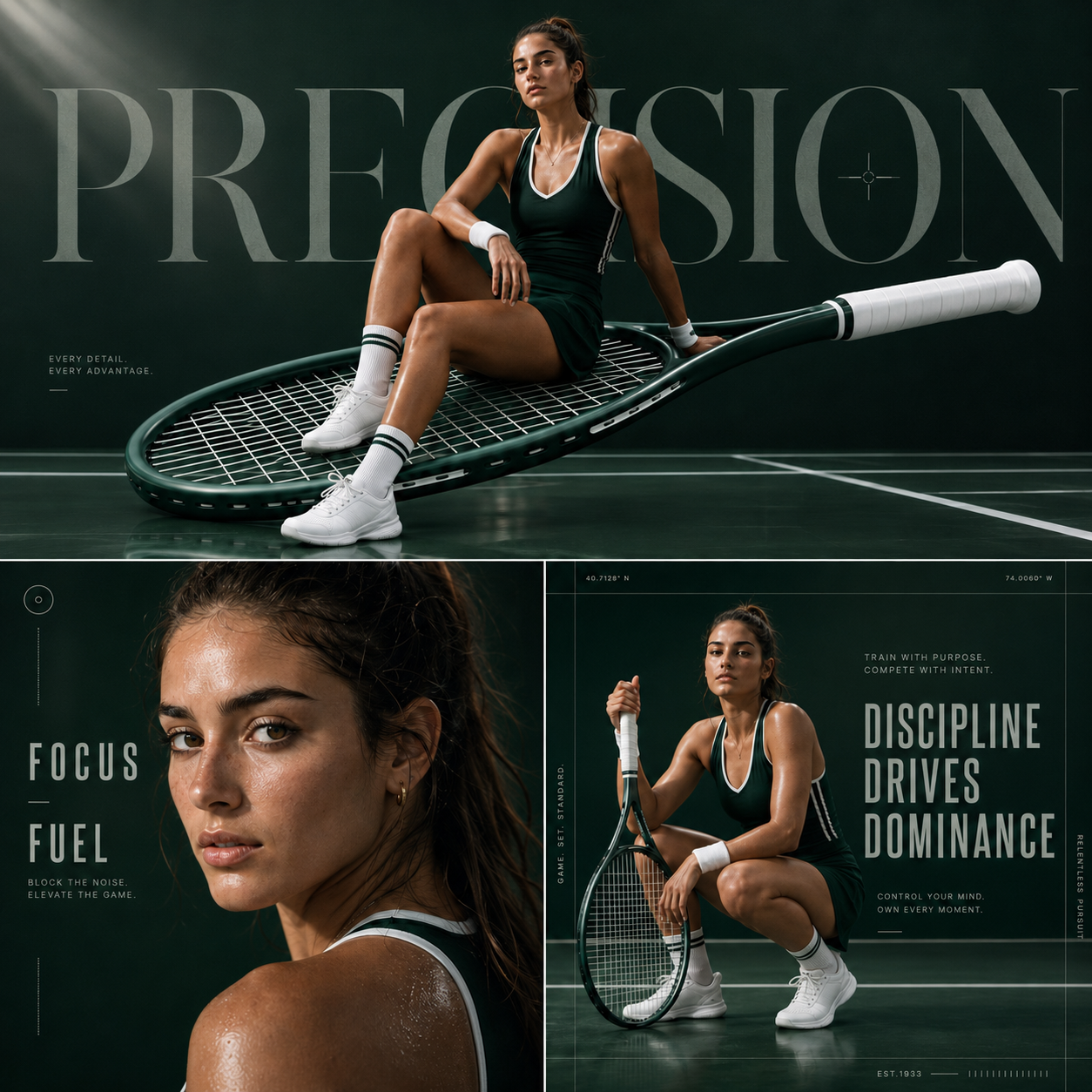
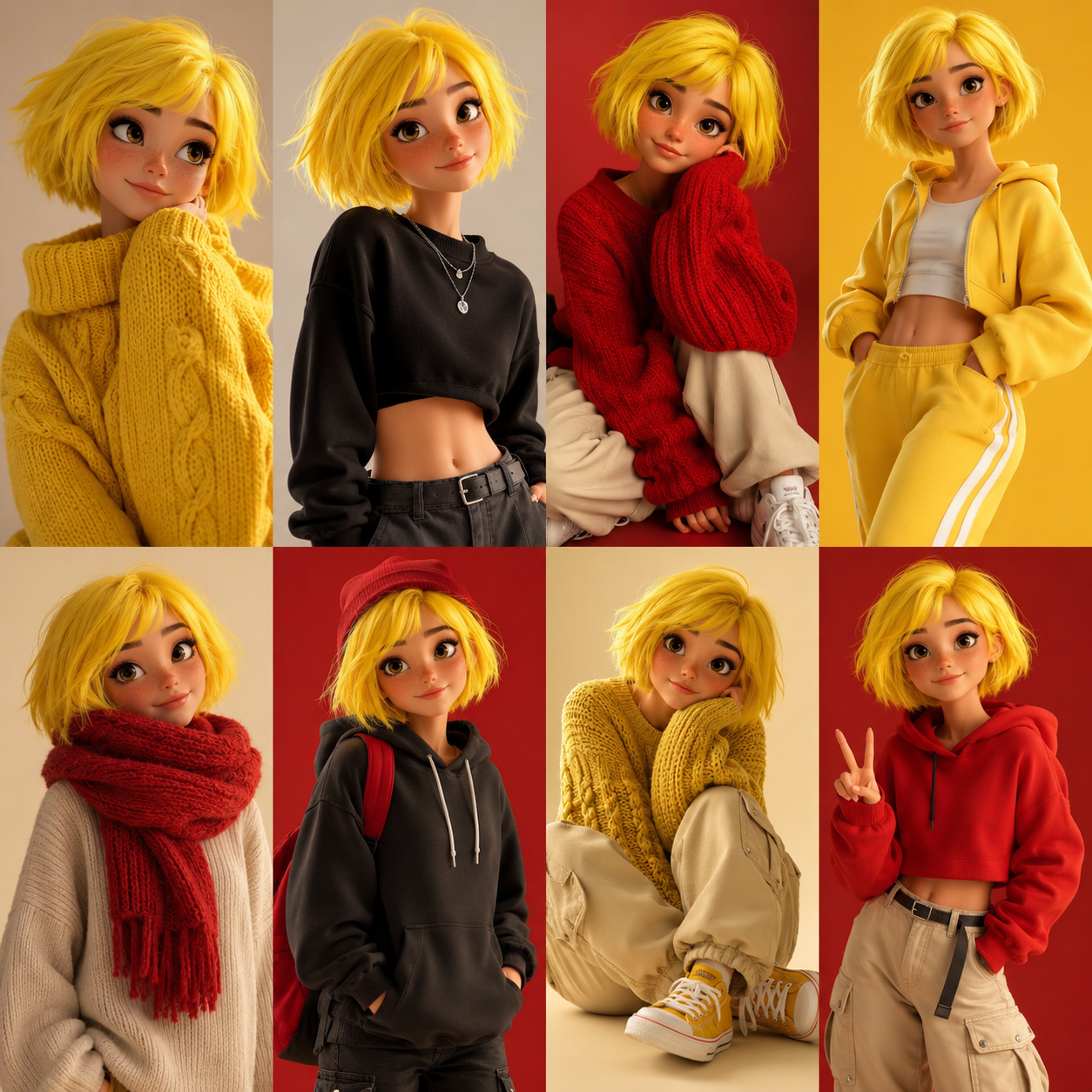
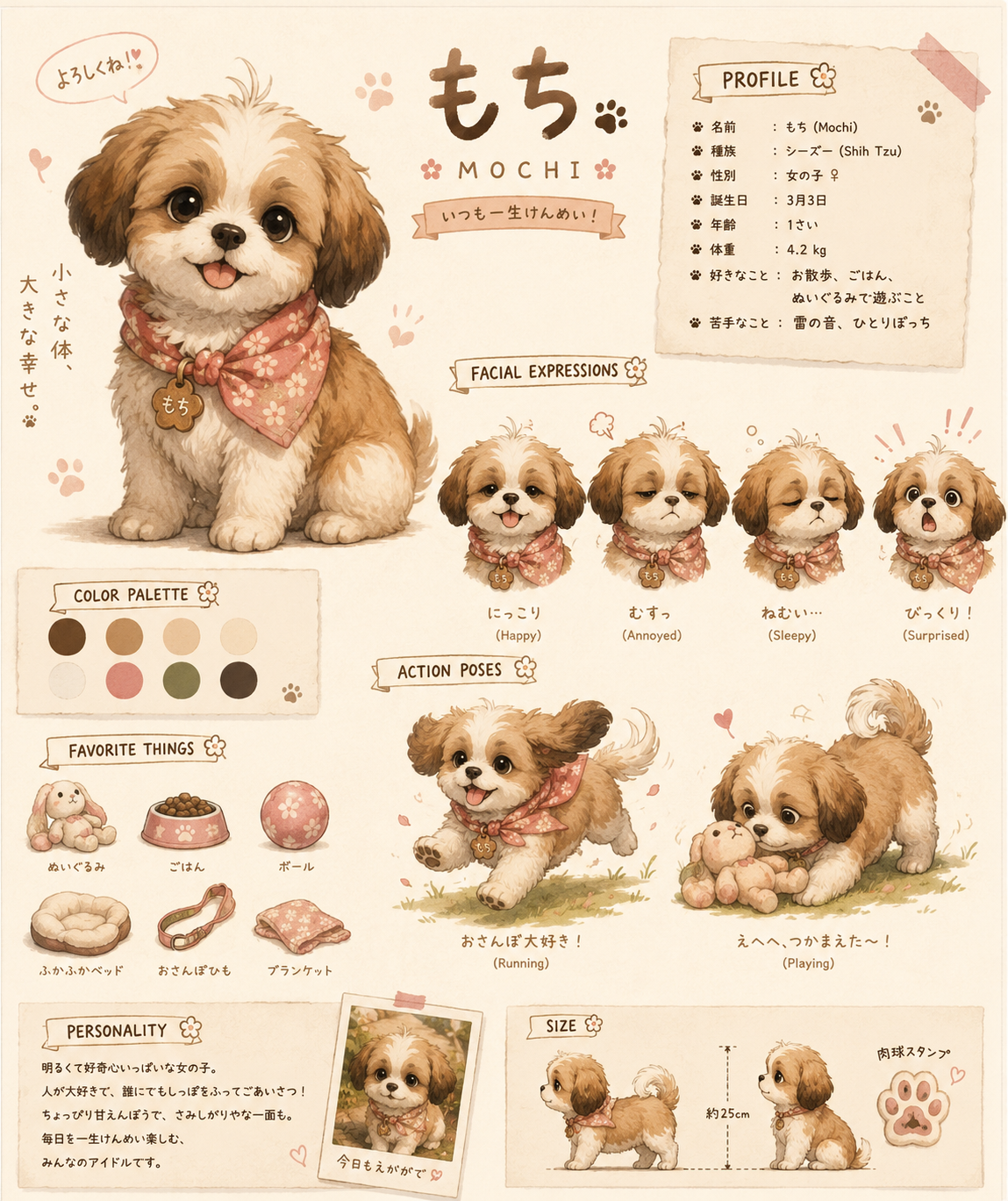
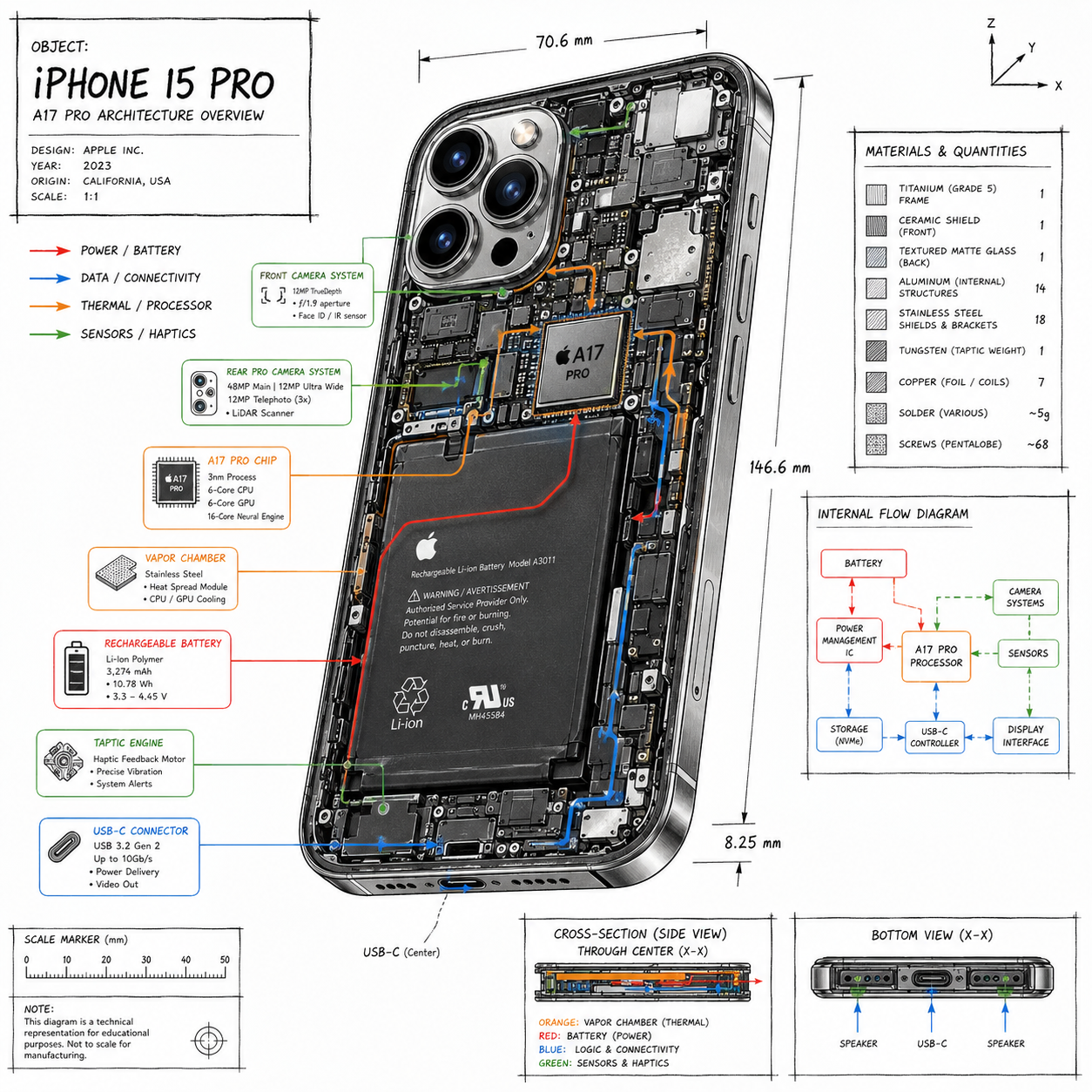
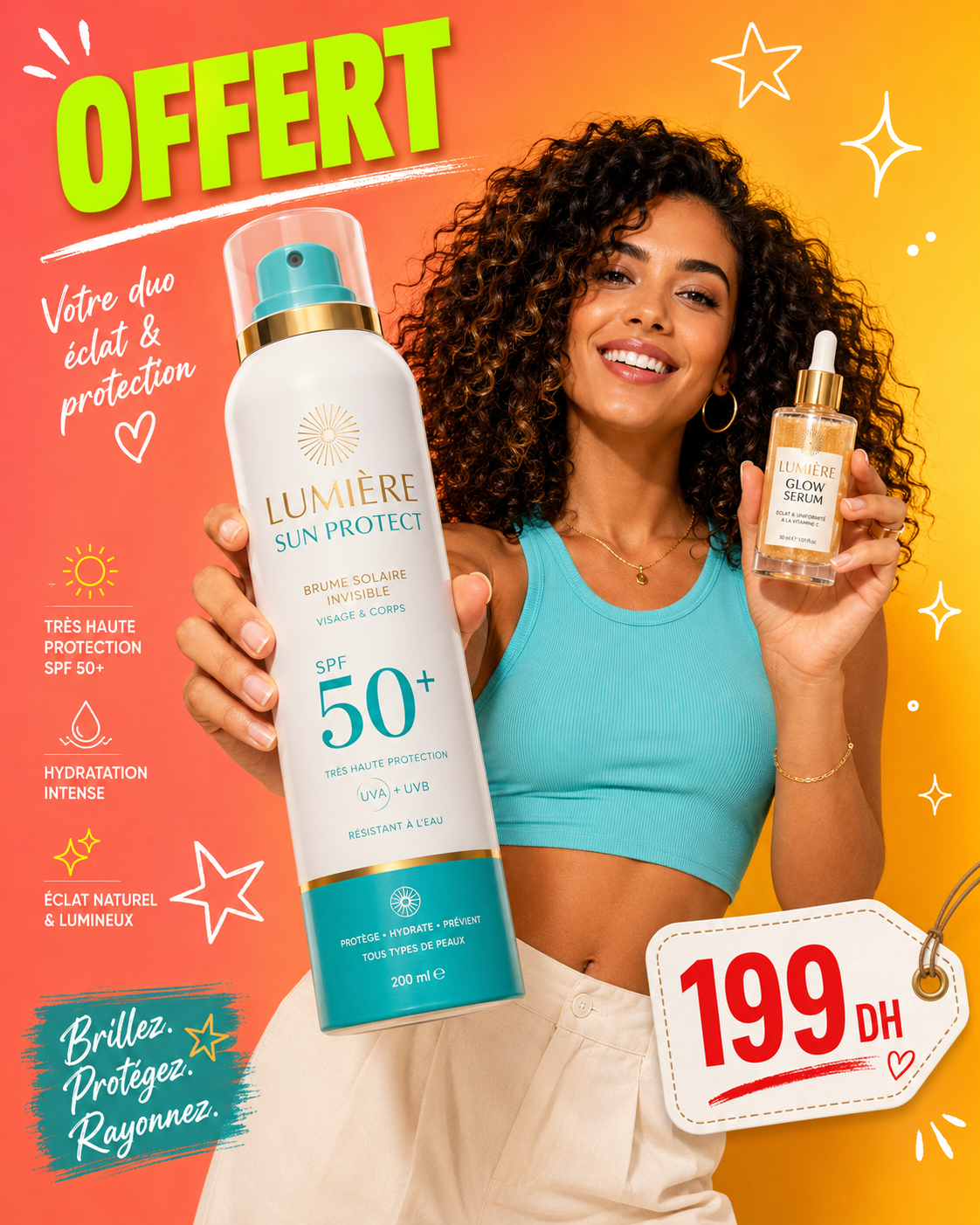
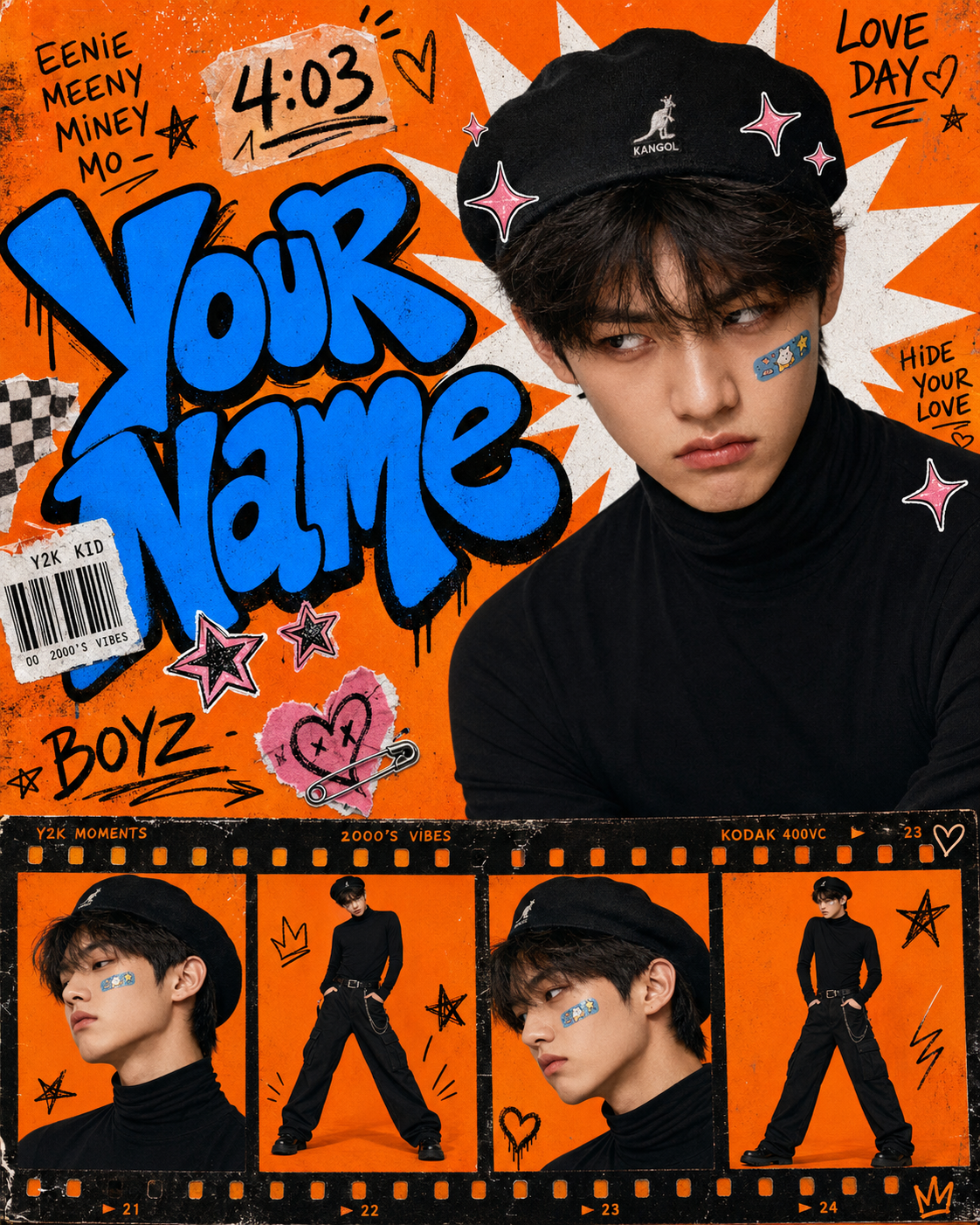
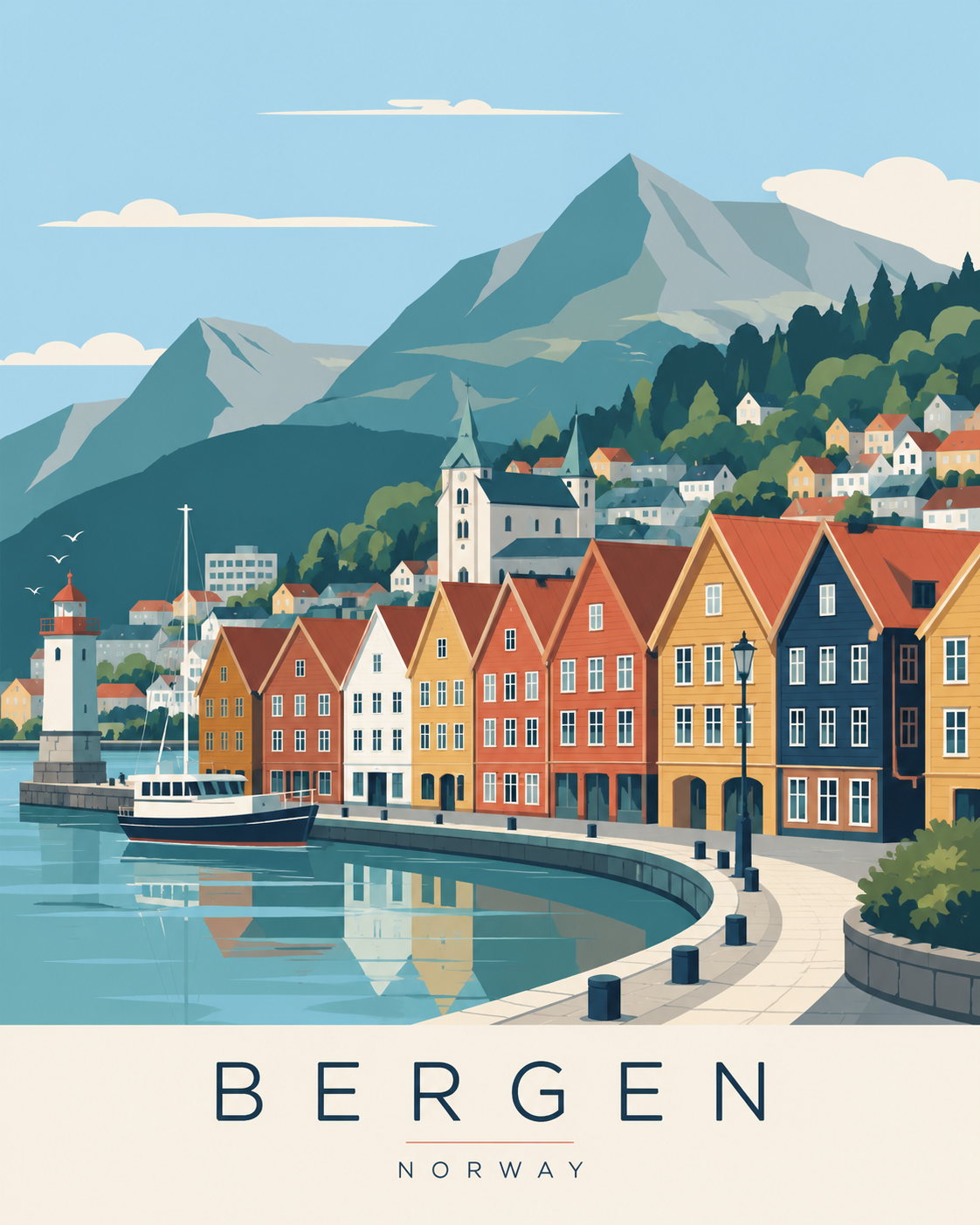
Browse image-first GPT image prompt cards, open any result to view the full prompt, then copy and customize it for your own photos, product mockups, UI screens, posters, infographics, and edits.
GPT Image Prompt FAQ
Copy a tested GPT image prompt and create your next visual in minutes.
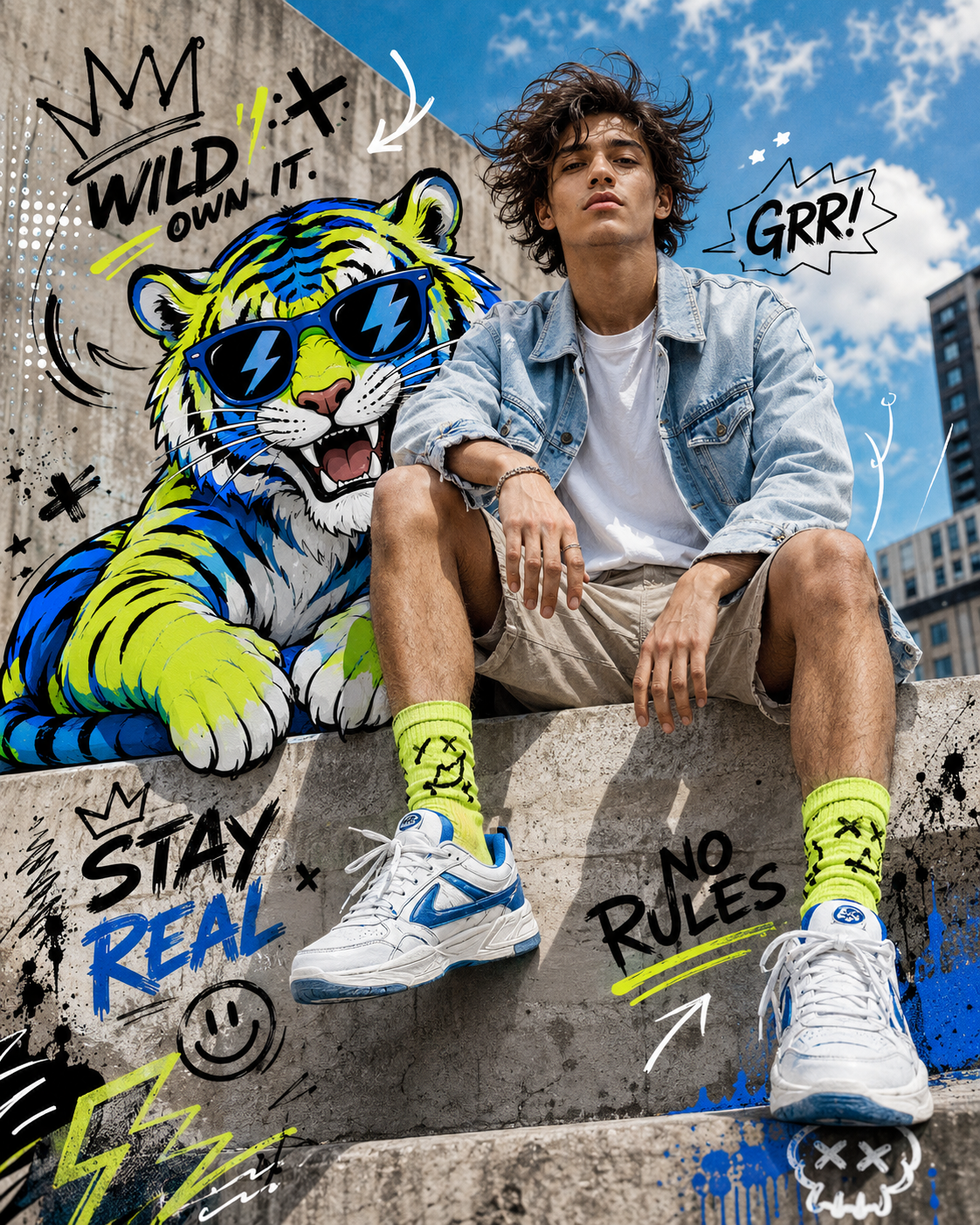
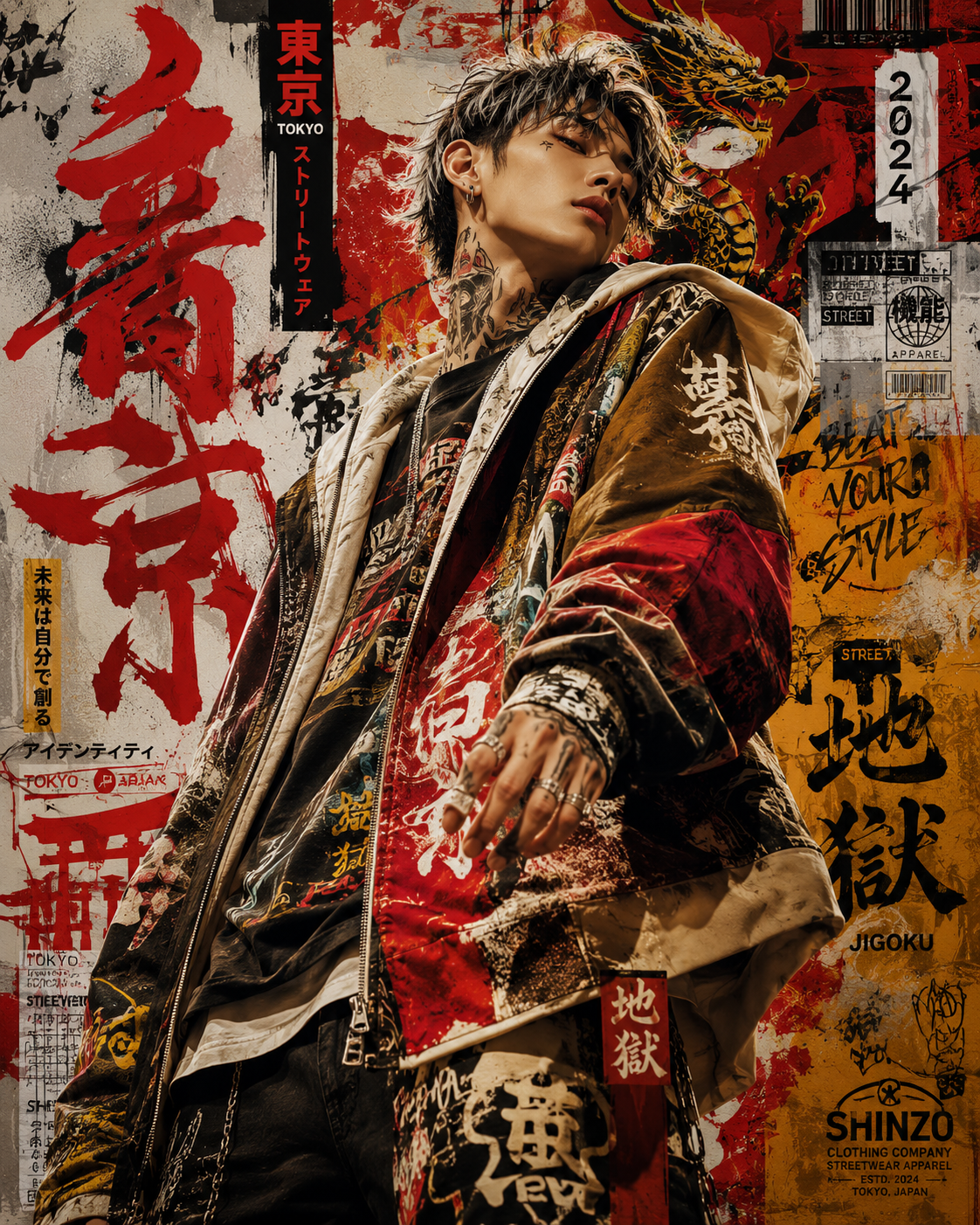
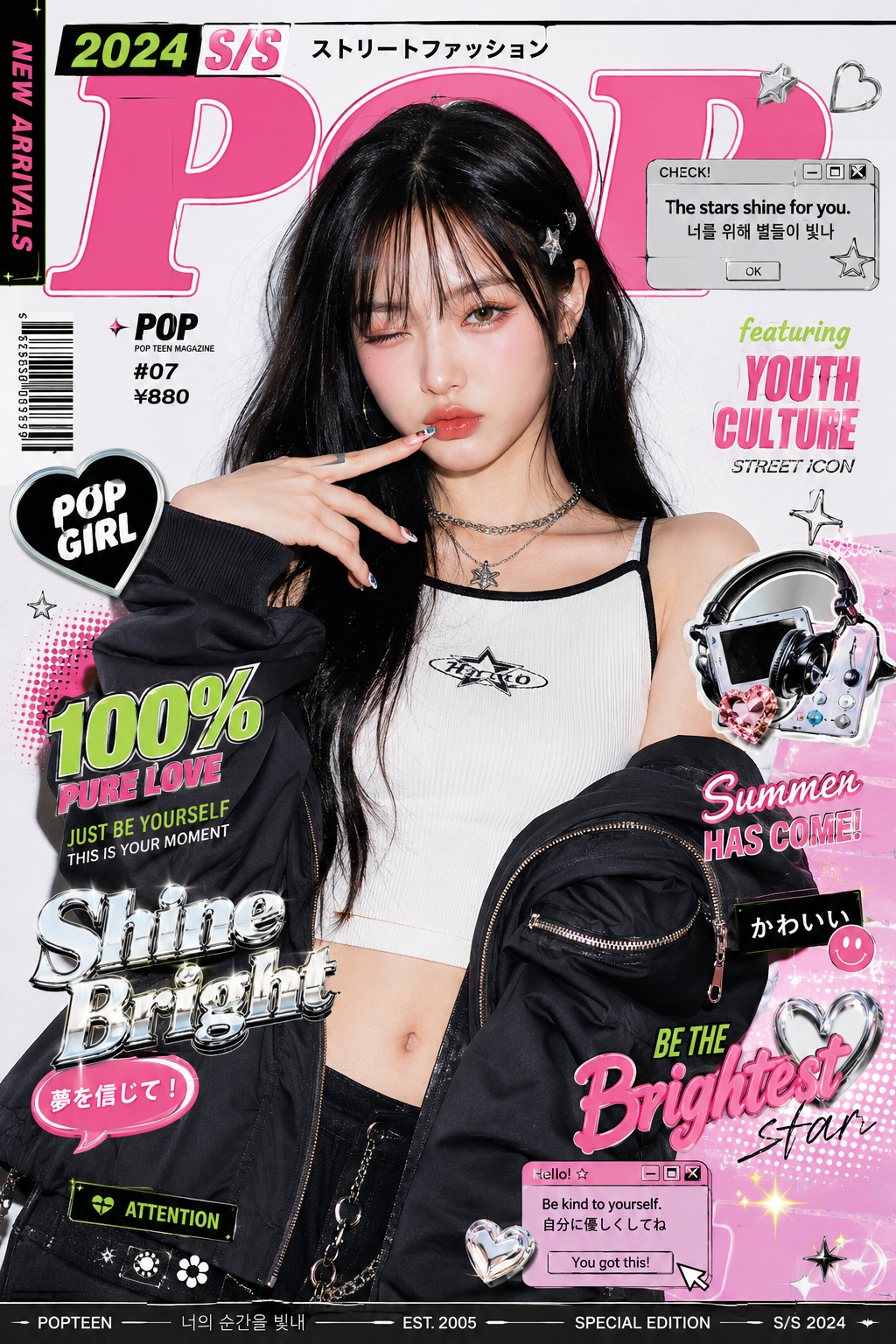
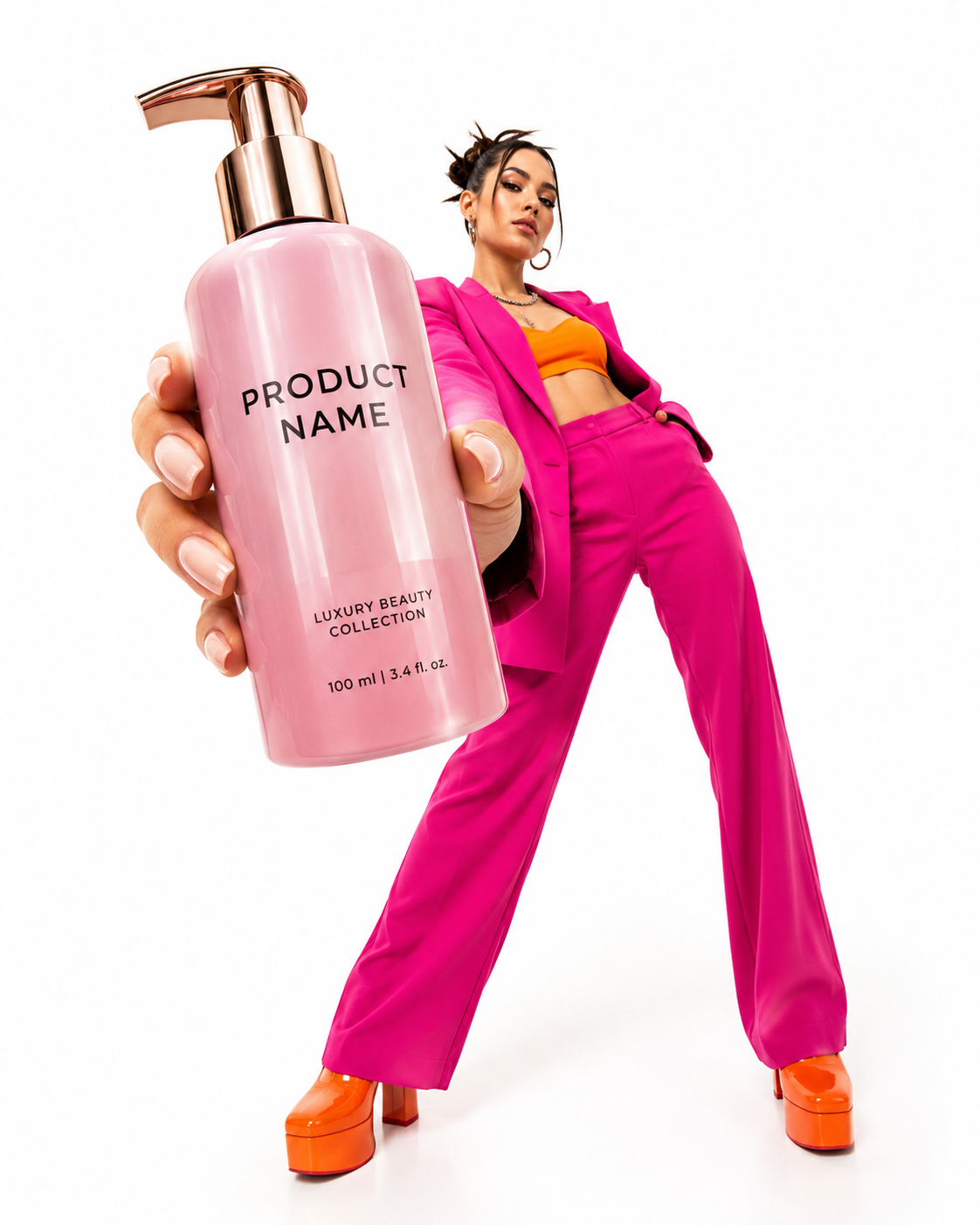
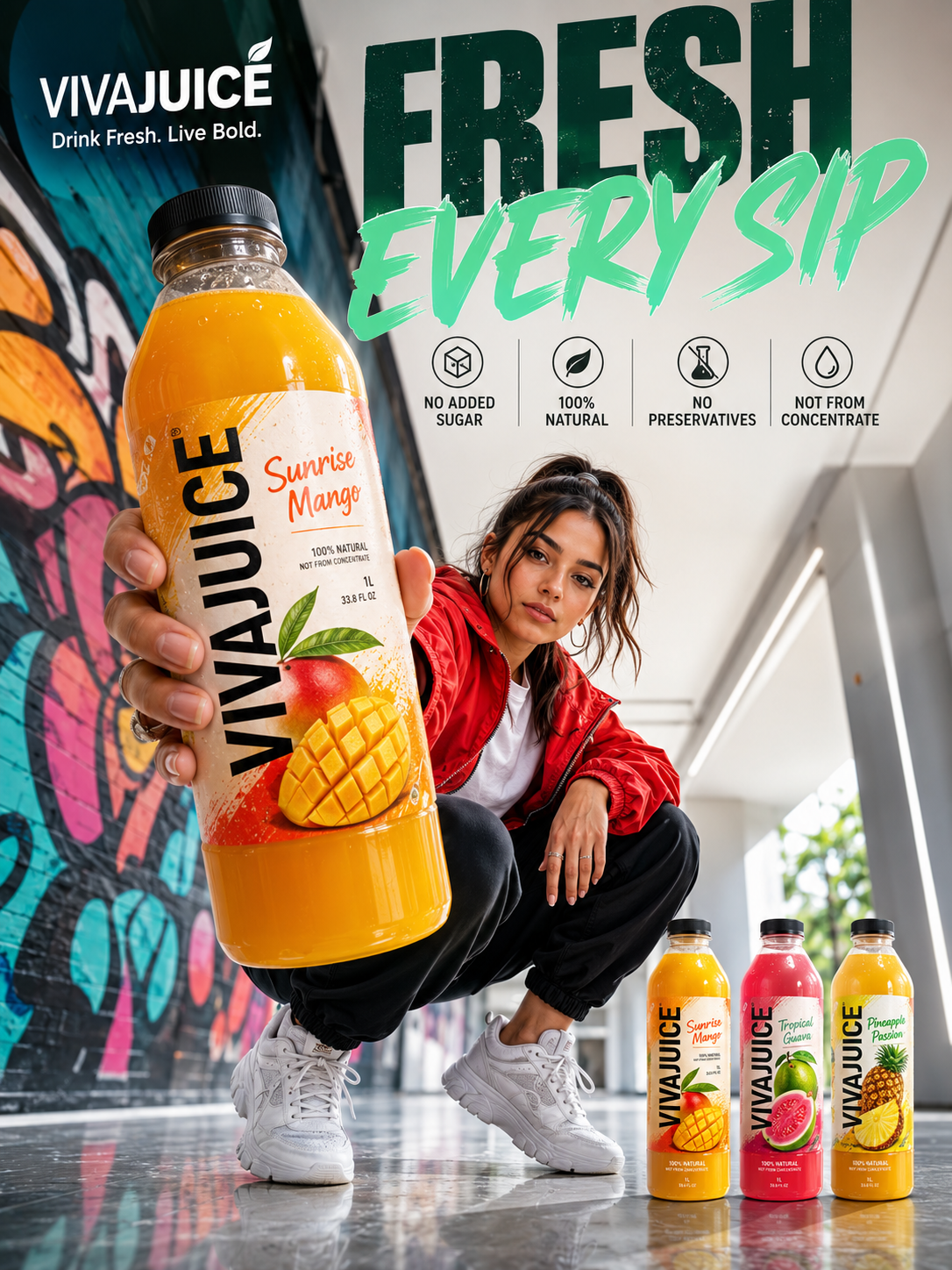
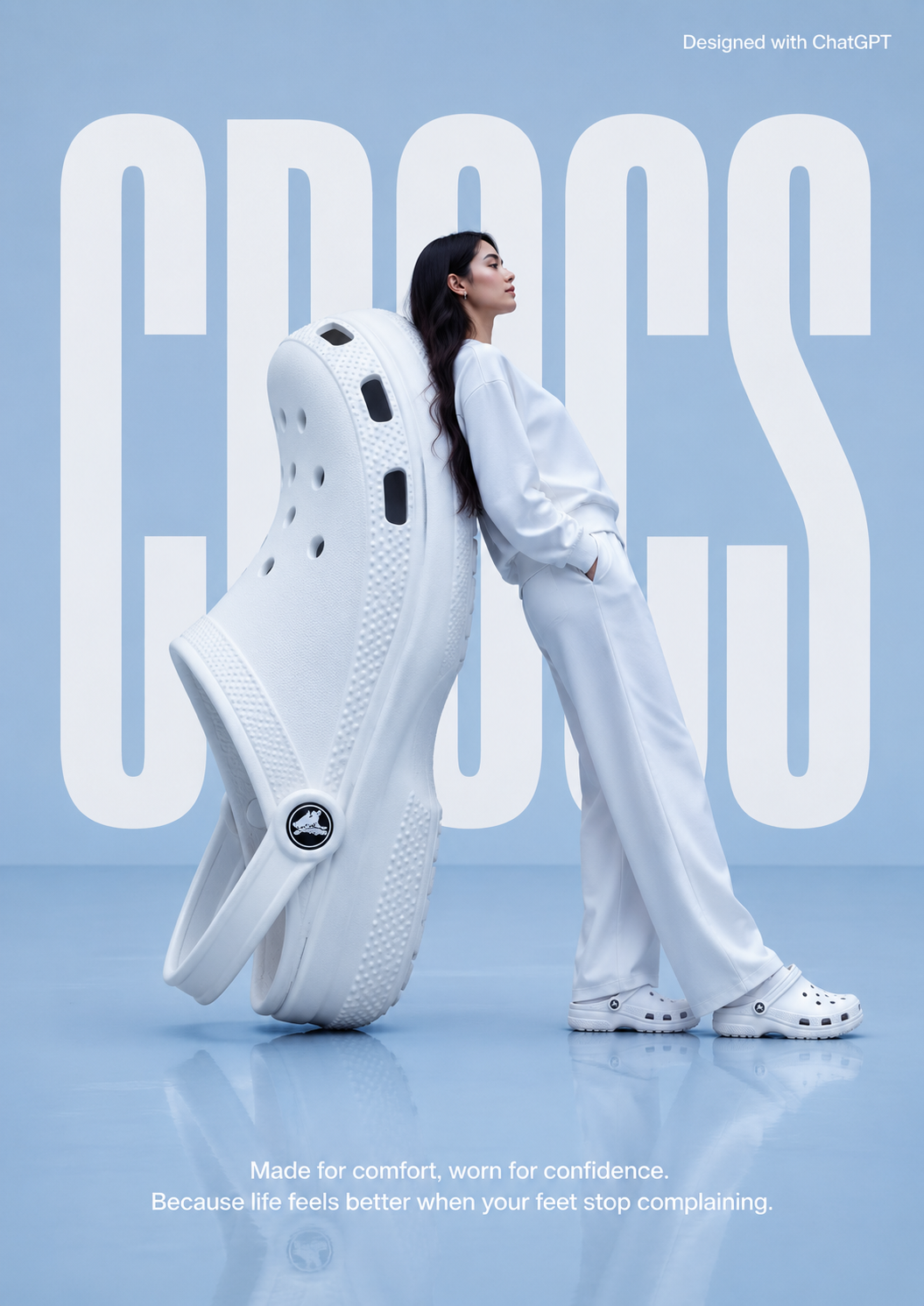
A bold mixed-media fashion editorial featuring a confident young model in casual streetwear beside a vibrant cartoon neon tiger. Combining hyper-realistic photography with graffiti illustration, doodle overlays, and comic-style energy, this artwork captures modern youth culture, urban creativity, and playful street fashion aesthetics.
Find, copy, and customize
Start from a visual result instead of a blank prompt box.
Browse the masonry prompt cards and choose the photo, product, UI, poster, infographic, or edit style you want to recreate.
Click an image card to reveal the title, prompt text, tags, model details, and copy button.
Change the subject, style, scene, text, or editing constraints before generating your own image.
Built for faster visual prompting
A focused library for people who want usable image prompts, not generic prompt advice.
Review the visual result first and open only the prompts that match the outcome you want.
Every example is built around a prompt you can copy, adapt, and reuse in your workflow.
Prompt cards pair copy with image results so you can judge the style before using it.
Examples are organized for modern GPT image generation and ChatGPT image workflows.
Find prompts for photos, products, UI mockups, posters, infographics, logos, and edits.
Use the trending set to start from popular prompt styles and current image formats.
Learn the patterns behind stronger prompts
Use these guide entry points when you want to understand why a prompt works before adapting it.
Organize subject, scene, details, use case, and constraints so image models have a clearer target.
Write exact copy, placement, font direction, size, and contrast when your generated image needs readable text.
Use preserve/change instructions to edit one part of an image while keeping identity, layout, and lighting stable.
Prompts for common creative work
Start from a prompt category that matches the image you need to produce.